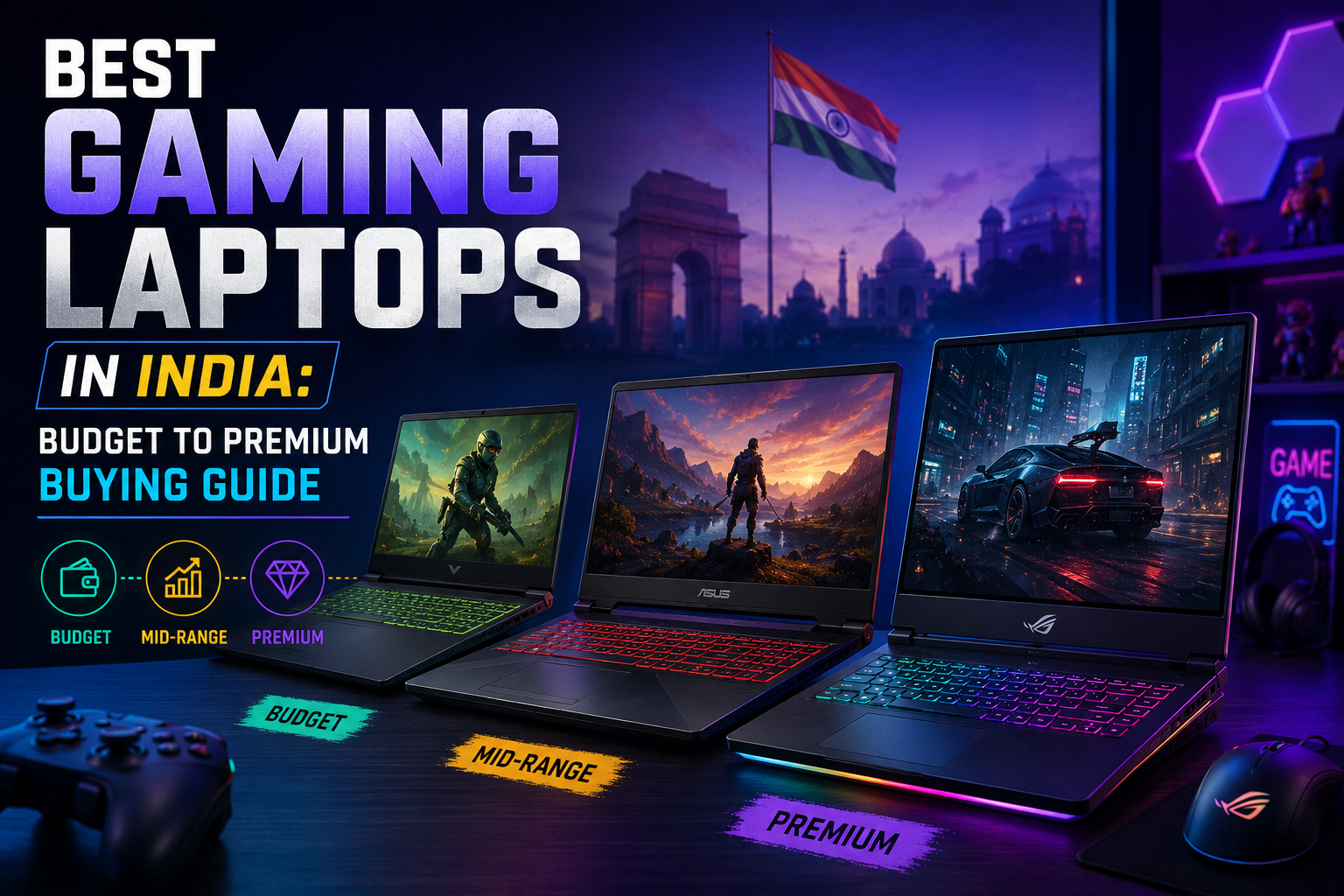
Buying a gaming laptop in India has become more confusing than ever. One model offers an RTX graphics card, another promises a 144Hz display, one looks premium, and another comes with a better processor but weaker cooling. If you are a student, casual gamer, content creator, coder, streamer, or someone who wants one laptop for gaming plus everyday work, the real question is not just “which is the best gaming laptop?” The real question is: which gaming laptop gives the best value for your budget?
Most Indian buyers searching for the best gaming laptops in India are not necessarily looking for a ₹2 lakh machine. Many users want a reliable gaming laptop under 70000 or around ₹80,000 that can handle games like Valorant, CS2, GTA V, Forza Horizon, Minecraft, EA FC, Fortnite, Apex Legends, and even heavier titles at sensible settings. For many buyers, the laptop also needs to manage college assignments, office work, video editing, designing, coding, and daily browsing.
This guide is written for that practical buyer. Instead of blindly recommending expensive premium gaming laptops, we will focus mainly on budget-friendly and mid-range gaming laptops that make sense in India in 2026. You will also learn what features to check before buying, whether you really need an RTX laptop, why a high refresh rate laptop matters, and which specifications are worth paying extra for.
Which Gaming Laptop Should You Buy in India in 2026?
For most users, the best gaming laptop in India in 2026 should have at least an Intel Core i5 H-series or AMD Ryzen 5/7 H-series processor, 16GB RAM, 512GB SSD, a dedicated NVIDIA RTX 3050/4050 or better GPU, and a 120Hz or 144Hz display. If your budget is below ₹70,000, focus on RTX 3050 or strong GTX/RTX entry-level options. If you can stretch closer to ₹80,000–₹90,000, an RTX 4050 laptop is a better long-term choice.
Who Actually Needs a Gaming Laptop?
A gaming laptop is not only for hardcore gamers. In India, many people buy gaming laptops because they offer stronger processors, dedicated graphics, better cooling, faster displays, and more upgrade options compared to normal thin-and-light laptops. Here is how different buyers should think about it:
- College students who game after classes need a machine that can handle assignments, online classes, coding, presentations, casual editing, and games without becoming slow in two years.
- Competitive gamers playing Valorant, CS2, Fortnite, or Apex Legends should prioritize a high refresh rate laptop with a stable 120Hz, 144Hz, or 165Hz display.
- Casual gamers who play GTA V, Minecraft, EA FC, Forza Horizon, and story games can choose an RTX 3050 laptop if the budget is tight.
- Content creators and video editors should look for 16GB RAM, a dedicated RTX GPU, good thermals, and preferably a colour-accurate display.
- First-time gaming laptop buyers should avoid buying only for RGB lighting or gaming looks. Performance, cooling, GPU wattage, RAM, and display quality matter much more.
Top 10 Best Gaming Laptops in India 2026: Budget-Friendly Picks
Prices in India keep changing during online sales, bank offers, exchange discounts, and festive campaigns. The laptop models below are selected as practical budget-to-mid-range options that Indian buyers commonly compare in 2026. Use this list as a buying shortlist and always check the latest configuration before ordering.
| Laptop | Processor | GPU | Display | Approx. Price | Best For |
| Lenovo LOQ 15 | Core i5/Ryzen 5 H-series | RTX 3050 / RTX 4050 | 144Hz FHD | ₹65K–₹90K | Best overall value |
| HP Victus 15 | Ryzen 5/7 or Core i5 H-series | RTX 3050 / RTX 4050 | 144Hz FHD IPS | ₹62K–₹85K | Students + gamers |
| Acer Nitro V 15 | Core i5 13th Gen / Ryzen variants | RTX 3050 / RTX 4050 | 144Hz FHD | ₹68K–₹90K | Performance-focused |
| ASUS TUF Gaming A15 | Ryzen 5/7 H-series | RTX 3050 / RTX 4050 | 144Hz FHD | ₹65K–₹90K | Durable gaming build |
| MSI Thin 15 | Core i5 H-series | RTX 3050 / RTX 4050 | 144Hz FHD | ₹60K–₹85K | Portable option |
| Dell G15 | Core i5 H-series | RTX 3050 / RTX 4050 | 120Hz/165Hz FHD | ₹70K–₹95K | Solid build |
| ASUS Vivobook 16X | Core i5 H-series | RTX 3050 / RTX 4050 | FHD+/high refresh variants | ₹65,000–₹85,000 | Gaming + creator use |
| Acer Aspire 7 | Core i5 / Ryzen 5 | RTX 3050 / GTX variants | FHD | ₹55K–₹70K | Work + light gaming |
| Lenovo IdeaPad Gaming 3 | Ryzen 5/Core i5 H-series | RTX 3050 | 120Hz/144Hz FHD | ₹55K–₹70K | Budget students |
| Gigabyte G5 / Similar Budget RTX Models | Core i5 H-series | RTX 3050 / RTX 4050 | 144Hz FHD | ₹65K–₹90K | Specs during sales |
Lenovo LOQ 15
Lenovo LOQ is one of the safest recommendations for buyers who want performance without moving into premium pricing. It usually offers a strong H-series processor, dedicated RTX graphics, decent cooling, and a high refresh rate display. For students and young professionals, it feels like a practical choice because it can handle gaming, coding, Excel, editing, browsing, and college work. If you find the RTX 4050 variant around a good sale price, it becomes a much better long-term investment than an older entry-level GPU. Choose this if you want the most balanced budget gaming laptop in India.
HP Victus 15
HP Victus is a good option for users who want a gaming laptop that does not look too aggressive. Many Victus variants come with 144Hz displays, RTX graphics, and decent everyday usability. It is especially suitable for students who want one laptop for gaming, classes, MS Office, Canva, coding, and light editing. The main thing to check before buying is the exact GPU, RAM, and display variant because Victus models change frequently. If the price is right, it is one of the best gaming laptops in India for mixed use.
Acer Nitro V 15
Acer Nitro V is a performance-focused option for buyers who care more about FPS and specs than a subtle design. It often gives strong hardware at aggressive pricing, especially during online sales. A Nitro V with RTX 4050, 16GB RAM, and 144Hz display can be a very strong deal if priced well. It is a good fit for gaming, streaming, and editing, but users should check thermals, warranty, and service availability in their city before final purchase.
ASUS TUF Gaming A15
ASUS TUF Gaming A15 is popular because it feels more durable and gaming-oriented than many thin budget laptops. It is a good pick for buyers who want a laptop that can take heavier daily usage. A Ryzen processor with RTX graphics and 144Hz display makes it suitable for esports titles and casual AAA gaming. It is also a sensible option for users who want a laptop for gaming and college work, but do check the display brightness and colour coverage if you are into design or editing.
MSI Thin 15
MSI Thin 15 is for users who want a gaming-capable laptop but do not want something too bulky. It is not always the strongest in thermals compared to heavier gaming machines, but it offers good portability for students and office users who travel with their laptop. If your gaming is mostly Valorant, CS2, GTA V, Minecraft, and light editing, it can make sense. For long gaming sessions, compare cooling and GPU wattage carefully.
Dell G15
Dell G15 is usually priced a little higher, but it is known for a solid build and better thermal confidence in many configurations. It may not always look sleek, but it feels dependable. If you can stretch above ₹70,000 during a sale and find an RTX variant, it is worth considering. It suits buyers who want durability, stable performance, and a laptop that can handle long sessions better than many ultra-thin gaming laptops.
ASUS Vivobook 16X
ASUS Vivobook 16X is not a traditional aggressive gaming laptop, but some RTX variants make it attractive for users who want gaming plus creative work. If you edit videos, design, use Canva, study, and play casual games, this type of laptop can be more practical than a bulky gaming machine. It is not the first choice for hardcore gamers, but for mixed users it can be a smart purchase.
Acer Aspire 7
Acer Aspire 7 is a good pick for buyers who want a clean-looking laptop with a dedicated GPU. It does not scream gaming, which is useful for office or college environments. It is best for light to moderate gaming, online classes, content work, and daily multitasking. If you are trying to stay close to ₹60,000, this can be one of the more practical options, but make sure you get at least 16GB RAM or an upgrade path.
Lenovo IdeaPad Gaming 3
Lenovo IdeaPad Gaming 3 has been a reliable budget gaming series for first-time buyers. It is suitable for students and casual gamers who want a dedicated GPU without spending too much. It may not match newer LOQ models in every area, but during discounts it can still be a strong gaming laptop under 70000. Buy it only if the configuration includes a good processor, RTX 3050 or better GPU, SSD storage, and preferably a high refresh rate display.
Gigabyte G5 / Similar Budget RTX Models
Some Gigabyte G5 and similar budget RTX laptops offer impressive specs on paper. They can be tempting because you may find RTX 4050 hardware at a lower price than mainstream brands. These are good for buyers who understand specifications and are comfortable checking warranty, service, thermals, and user reviews before purchase. Avoid buying only because the GPU looks powerful; overall build, cooling, and after-sales support also matter.
Best Gaming Laptop Under 70000 in India: What to Expect
If your budget is around ₹60,000–₹70,000, be realistic but optimistic. You can get a good gaming laptop, but you may need to compromise on either GPU, display quality, build, or battery life. In this range, RTX 3050 laptops are usually the safest target. Occasionally, you may find RTX 4050 laptops near this price during big sales, but check the exact GPU wattage and RAM configuration before getting excited.
For a gaming laptop under 70000, look for 16GB RAM, 512GB SSD, 120Hz or 144Hz display, and an RTX 3050 or better GPU. If a laptop has only 8GB RAM but everything else is good, buy it only if RAM is upgradeable. Avoid models with weak cooling or low-powered GPUs that only look good on paper.
RTX Laptop vs Non-RTX Laptop: Which One Should You Choose?
An RTX laptop is worth buying if you want better long-term gaming performance, ray tracing support, DLSS support, and smoother gameplay in supported games. NVIDIA describes DLSS as AI-based technology that can boost FPS, reduce latency, and improve image quality, while RTX focuses on ray tracing and AI-powered graphics features. For budget users, RTX 3050 is still acceptable for entry-level gaming, while RTX 4050 is the better choice if you can stretch the budget.
If you only play light games, older GTX options may still work, but in 2026 it is better to choose an RTX laptop if your budget allows. It gives you better future-proofing, especially for modern titles and creative apps that use GPU acceleration.
What Features Should You Check Before Buying a Gaming Laptop?
This is the most important part of the buying guide. Many buyers compare laptops only by processor name or RGB design, but gaming performance depends on a combination of GPU, cooling, display, RAM, storage, and power limits.
1. GPU: The Most Important Gaming Component
For gaming, the graphics card matters more than most people think. A laptop with a stronger GPU will usually perform better in games than a laptop with only a slightly better CPU. For budget buyers, RTX 3050 is the minimum sensible target. For better long-term value, RTX 4050 is preferable. Also check GPU wattage because the same GPU can perform differently in different laptops.
2. Processor: Choose H-Series Performance Chips
Look for Intel Core i5/i7 H-series, Intel Core Ultra performance variants, or AMD Ryzen 5/Ryzen 7 H-series processors. U-series processors are good for battery life but are not ideal for serious gaming. If you also edit videos, code, or multitask heavily, a stronger CPU will help.
3. RAM: 16GB Should Be the New Minimum
In 2026, 8GB RAM is workable only for basic use. For gaming, browsing, Discord, streaming, editing, and multitasking, 16GB RAM is the sweet spot. If you buy an 8GB laptop, make sure it has an empty RAM slot or upgrade support.
4. Storage: SSD Is Mandatory
Do not buy a gaming laptop with slow storage as the main drive. A 512GB SSD should be considered the minimum. Games are getting larger, so a second SSD slot is a big advantage. If you install multiple games, editing files, and software, 1TB storage becomes more comfortable.
5. Display: High Refresh Rate Makes Gaming Feel Smoother
A high refresh rate laptop is especially important for competitive games. A 120Hz, 144Hz, or 165Hz display makes movement smoother than a normal 60Hz display. For Valorant, CS2, Fortnite, and Apex Legends, refresh rate can matter more than ultra graphics settings. Also check brightness, IPS panel quality, and colour coverage if you do design or video work.
6. Cooling and Thermals
Gaming laptops produce heat. A laptop with poor cooling may look powerful on paper but can slow down during long gaming sessions. Check reviews for thermal performance, fan noise, and sustained performance. Heavier gaming laptops often cool better than very slim ones.
7. Battery Life: Keep Expectations Realistic
Gaming laptops are not bought for all-day battery life. Most budget gaming laptops may give decent battery for normal browsing or classes, but while gaming you should keep the charger connected. If portability and battery are your top priorities, choose carefully and do not expect MacBook-like backup from a gaming laptop.
8. Upgradeability
A budget gaming laptop becomes much more useful if RAM and SSD can be upgraded later. This helps students and budget buyers save money now and improve performance later.
9. Keyboard, Ports, and Build Quality
Check whether the laptop has enough USB ports, HDMI, Wi-Fi standards, good keyboard travel, and a strong hinge. A gaming laptop is often used heavily, so build quality matters more than RGB lighting.
Common Mistakes to Avoid Before Buying
- Do not buy only because the laptop has RGB lighting or a gaming design.
- Do not assume every RTX laptop performs the same. GPU wattage and cooling matter.
- Do not choose 8GB RAM unless it is upgradeable.
- Do not ignore display refresh rate if you play competitive games.
- Do not buy from an unknown seller without checking warranty and return policy.
- Do not overspend on a premium laptop if your games are mostly Valorant, GTA V, Minecraft, or CS2.
Best Gaming Laptop by Budget
Under ₹60,000: Look for Acer Aspire 7, older Lenovo IdeaPad Gaming models, or entry-level RTX/GTX options during sales. This range is best for casual gaming and student use.
₹60,000–₹70,000: Target RTX 3050 laptops with 16GB RAM and 144Hz display. HP Victus, Lenovo LOQ, ASUS TUF, Acer Nitro, and MSI Thin are worth comparing.
₹70,000–₹90,000: This is the best value zone for many Indian buyers. Try to get RTX 4050, 16GB RAM, 512GB SSD, and a 144Hz display. Lenovo LOQ, Acer Nitro V, HP Victus, ASUS TUF, and Dell G15 become stronger options here.
Above ₹90,000: You enter stronger mid-range territory. RTX 4050/4060 options, better displays, stronger cooling, and premium builds become more common. Buy here only if you play heavier titles, edit videos, stream, or want better future-proofing.
Best Overall Recommendation
The best gaming laptop in India for most budget-conscious buyers in 2026 is a laptop with an Intel Core i5 or AMD Ryzen 5 H-series processor, 16GB RAM, 512GB SSD, NVIDIA RTX 3050 or RTX 4050 graphics, and a 144Hz display. Lenovo LOQ, HP Victus, Acer Nitro V, ASUS TUF Gaming, and Dell G15 are among the most practical models to compare because they offer a strong balance of performance, price, cooling, and availability.
Which is the best gaming laptop in India in 2026?
For most buyers, Lenovo LOQ, HP Victus, Acer Nitro V, ASUS TUF Gaming, and Dell G15 are among the best gaming laptops in India because they offer strong performance, dedicated RTX graphics, high refresh rate displays, and practical pricing across budget and mid-range segments.
Which gaming laptop is best under 70000?
Under ₹70,000, look for a laptop with RTX 3050 graphics, 16GB RAM, 512GB SSD, and a 120Hz or 144Hz display. Lenovo LOQ, HP Victus, ASUS TUF A15, Acer Aspire 7, Acer Nitro V, and MSI Thin variants are worth comparing during sales.
Leave a Reply